

AT YOUR DESK01
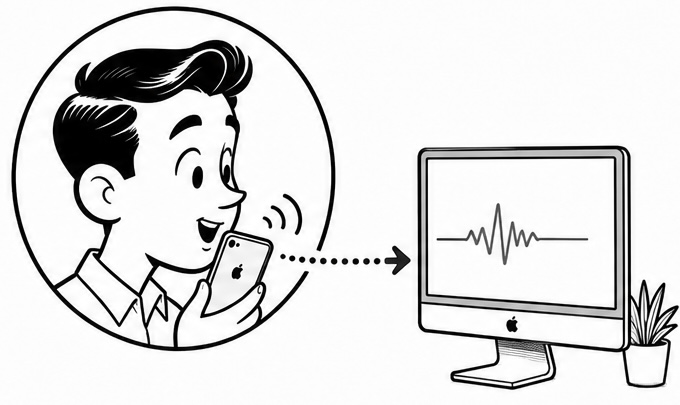
Prompts without the performance
Explain the change, the error, or the edge case in a low voice. The rest of the room does not need to join the conversation.
QUIET VOICE INPUT FOR SHARED OFFICES
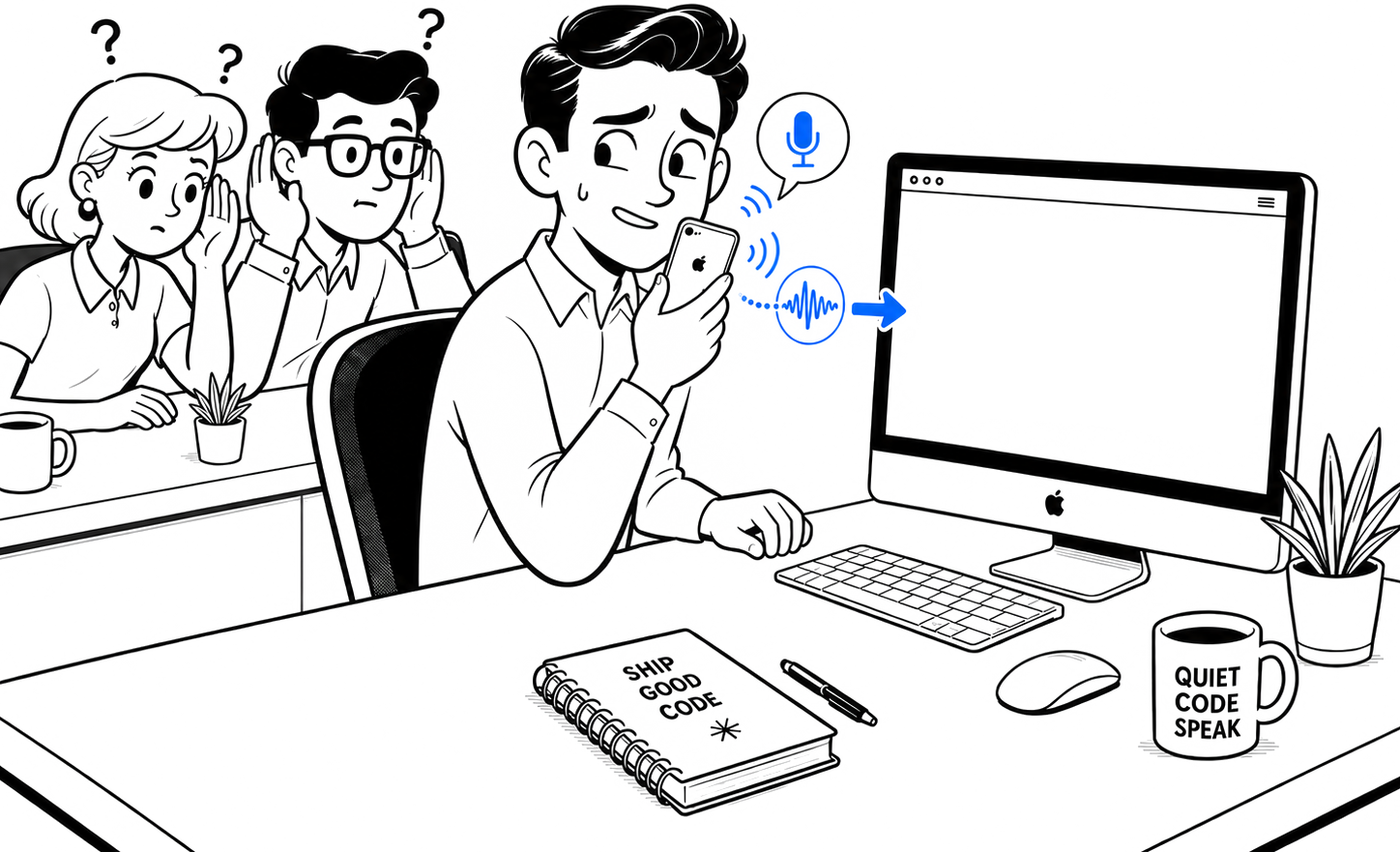
undervoice lets you talk through an idea without sharing it with the room—or feeling awkward about reading a prompt out loud. Speak softly into your iPhone and the words appear at the cursor on your Mac, transcribed locally.
01 / HOW IT WORKS
undervoice uses the iPhone in your hand instead of the Mac across the desk. At that distance, your voice reaches the mic before the keyboard, HVAC, and conversations around you—so you can speak softly and still give the local model clean audio.
IPHONE → MAC / HOW IT FEELS
The iPhone handles close-range capture. Encrypted audio goes to the Mac you paired, where it is transcribed locally and inserted at the active cursor.
ScenicRouteRanker.swift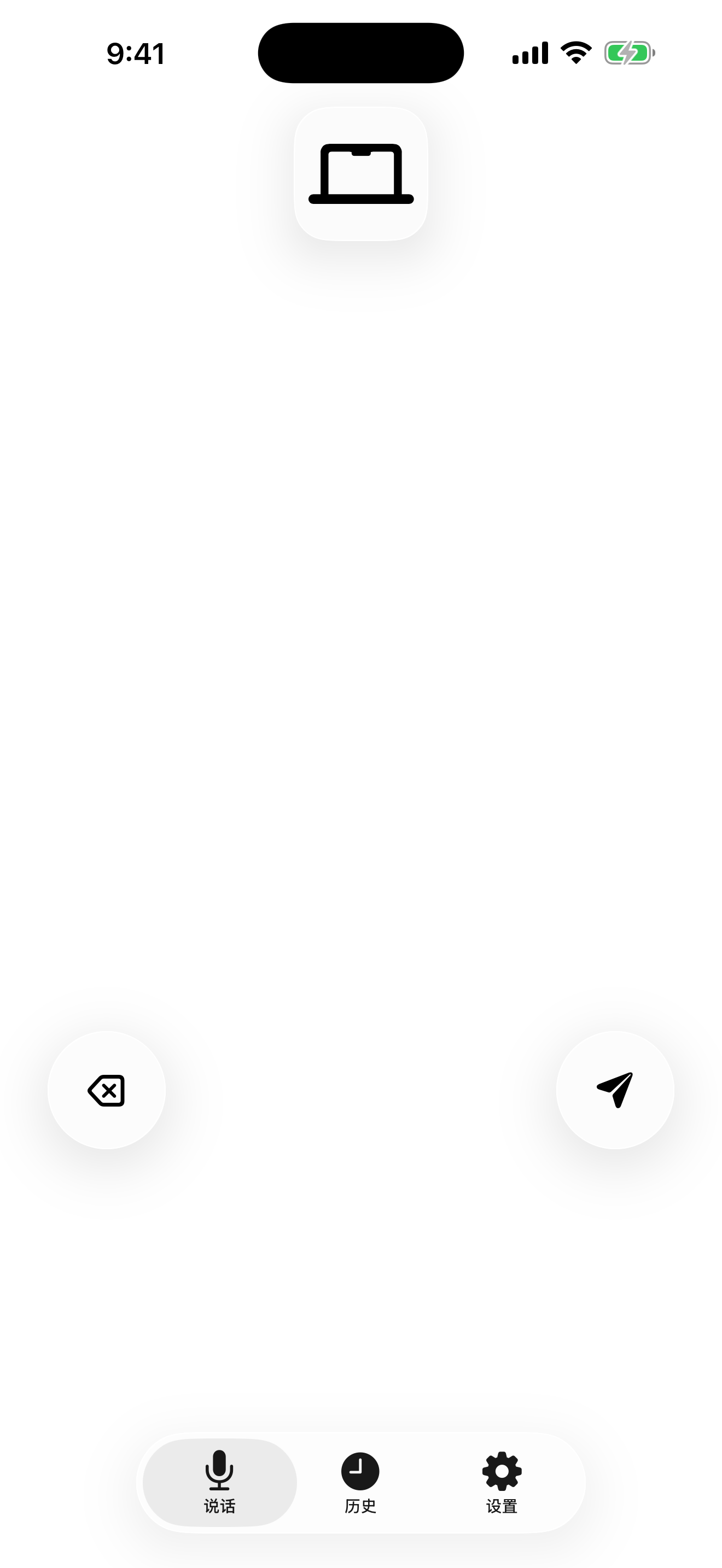
Explain the change, the error, or the edge case in a low voice. The rest of the room does not need to join the conversation.
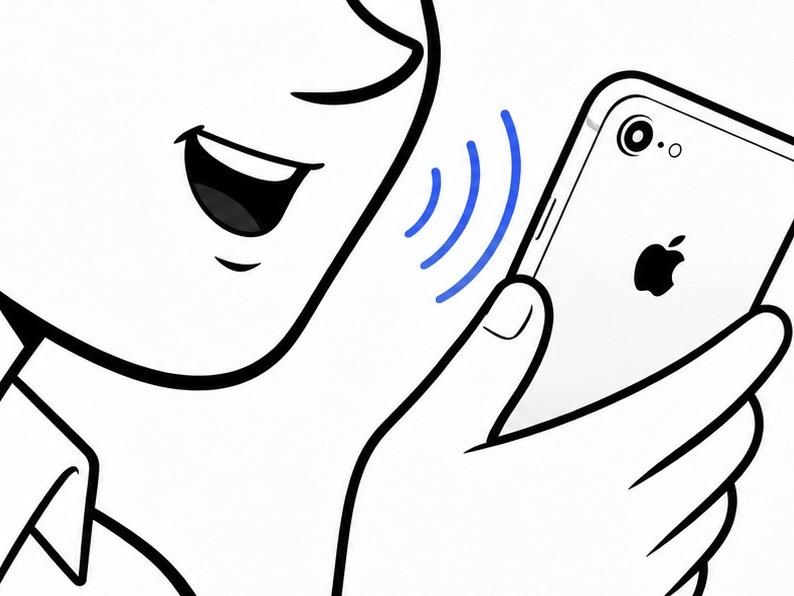
Close-talk capture does not silence the office. It makes your voice stronger than the room before recognition even begins.
Keep focus in Codex, Claude Code, Xcode, Terminal, or a browser. The transcript arrives at the cursor.
02 / WHAT MATTERS AT A DESK
These are the facts that shape everyday use: how close the microphone is, where audio goes, and how much friction remains after you speak.
Your iPhone can sit inches from your mouth while your MacBook stays 50–80 cm away on the desk.
A distance-only estimate for 5–10 cm versus 50–80 cm. The room, device angle, and microphones affect real results.
Recognition runs on your Mac. Once the model is ready, local use does not need the public internet.
Audio is processed in memory and released. It is not left behind as a recording on either device.
No second app, clipboard shuffle, or context switch between speaking and coding.
Mac transcript history defaults to one hour and can be turned off. It never syncs to an undervoice server.
03 / ENGLISH RECOGNITION
English is not one option in a long language list here. undervoice configures recognition around English dictation and the technical language inside your prompts—from API names and acronyms to variables and commands.
NVIDIA Parakeet TDT 0.6B v3 powers a product-tuned English pack. The runtime and quantization are chosen together for practical, fully local transcription on Mac.
Say library names, APIs, variables, commands, and acronyms inside a normal prompt. You do not need to switch language modes in the middle of a sentence.
The English pack, local runtime, quantization, and product settings are selected as one recognition path for English coding prompts. It is not a claim that one universal model performs equally well in every language.
04 / IPHONE VS. MACBOOK MICROPHONE
Both routes can use the same local model on your Mac. The difference is where the audio begins: inches from your mouth or across the desk.
| Shared-office use | iPhone held close | MacBook microphone |
|---|---|---|
| Mouth-to-mic distance | 5–10 cm | 50–80 cm |
| Speaking quietly | Your voice reaches the mic first | Voice, keyboard, HVAC, and nearby speech arrive together |
| Voice level needed | Stay at a low voice | Often requires speaking up at desk distance |
| Where recognition runs | Locally on your Mac | Locally on your Mac |
| Best fit | Open offices and shared desks | Private rooms or conversations you do not mind sharing |
The 14–24 dB estimate uses the free-field relationship 20 × log10(r₂/r₁) for 5–10 cm versus 50–80 cm. Reflections, placement, and speaking direction change real-world results.
05 / SECURITY AND NETWORKING
undervoice has no speech relay. On the same network, iPhone connects directly to Mac; across networks, you can use your own Tailscale setup. App-level authentication and encryption stay in place either way.
Installation and permission details →Sharing Wi-Fi is not enough. A new iPhone must be explicitly paired or approved after a reset.
Audio, transcripts, and control messages are authenticated and encrypted end to end.
Reconnect and a new session key is derived. Captured traffic from an old session cannot simply be replayed.
Recordings live in memory only. Diagnostics exclude audio and transcript text.
On a local network, audio travels directly from iPhone to Mac. The model runs there.
For another Wi-Fi or cellular connection, use your own Tailscale network without dropping undervoice encryption.
06 / TYPE ANYWHERE
“Keep the public API, replace retries with exponential backoff, and add three boundary tests.”
listeningYour Mac remembers the active app and selection when dictation starts. If focus or selection changes, insertion pauses. Password fields and controls using Secure Keyboard Entry are never written to.
TALK TO YOUR MAC, NOT THE ROOM
Install the model on Mac, scan the pairing code with iPhone, then hold to talk whenever an idea is faster to say than type.